
 Telematics Guru
 Wialon
 RideView


01 / 05
Fleet status
How many vehicles and machines are moving, idling, stopped or out of signal, right now.
Telematics Guru
Trackers report to Telematics Guru. Dashcams report to RideView. Check both from the site office, the ute or your desk.

Trackers report to Telematics Guru. Dashcams report to RideView. Tap a marker to see what each part of the screen tells you.
01 / 05
How many vehicles and machines are moving, idling, stopped or out of signal, right now.
Telematics Guru02 / 05
Every unit where it is now, in street or satellite view. Click one for its speed and its last trip.
Telematics Guru03 / 05
Fences, after-hours movement and harsh driving land here, and on your phone by push, email or text.
Telematics Guru04 / 05
The dashcam flags the moment and the clip shows up here, ready to go through with the driver.
RideView05 / 05
Trip and engine hours for every unit, so you can see what is earning and what is sitting.
Telematics Guru
Digital Matter's tracking platform
Where every Digital Matter tracker reports. A live map of the fleet, trip history, geofences, alerts and reports, in the browser or the phone app.
 AI video by Lightmetrics
Where the MiTAC dashcams report. It flags tailgating, distraction and fatigue as they happen, lets you pull up footage when you need it, and helps you coach drivers.

Gurtam's tracking platform
For customers whose trackers run on Wialon. Live monitoring, trip history, geofences, alerts and a report builder, in the browser or the Wialon app.
What you can actually do once the trackers and dashcams are reporting in.
Every tracked vehicle and machine on one map, in street or satellite view.
Telematics GuruEach trip with its driver, start and stop times, places and distance. Add a note or tag it to a job.
Telematics GuruA push, email or text the moment something moves, or crosses a fence you've drawn around a yard or site.
Telematics GuruRecovery mode tracks a stolen asset live. Where the vehicle is wired for it, you can stop it remotely.
Telematics GuruSee who drives smoothly and who needs a word, straight from the tracker data.
Telematics GuruTrip, driver and utilisation reports, set up the way you want to read them.
Telematics GuruThe dashcam picks up phone use, distraction, drowsiness, harsh braking and lane drift, and warns the driver in the cab.
RideView dashcamsPull up the clip after an incident, watch live, and go through flagged events with the driver.
RideView dashcamsThe map and the alerts on iPhone and Android, wherever you are.
Telematics GuruTelematics Guru has an API, so location and trip data can feed the software you already run.
Telematics Guru
The Telematics Guru app puts the map and the alerts on your phone, for iPhone and Android.
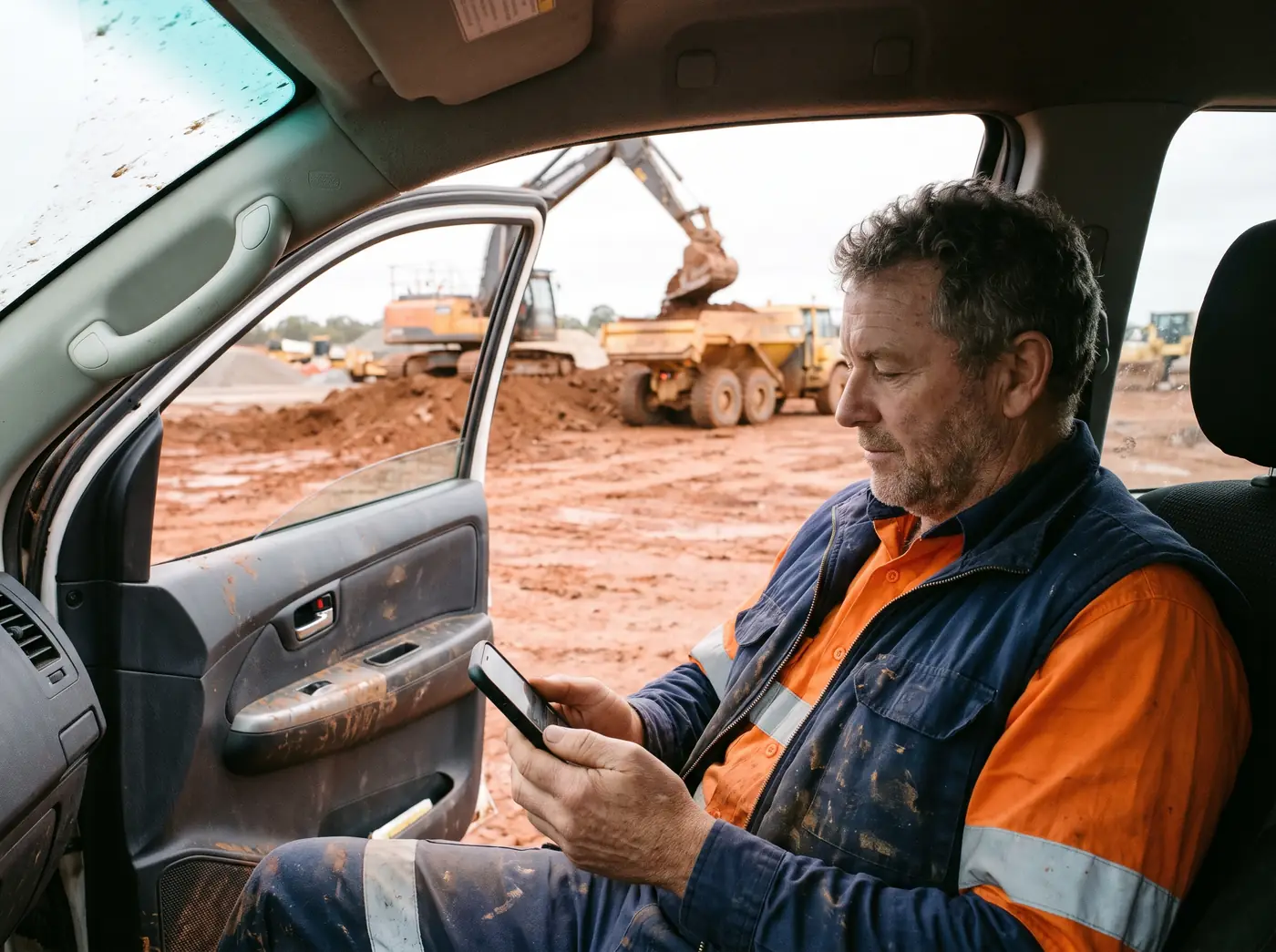
Telematics Guru does more than show where things are. Four tools inside it that save time in the yard and the workshop.
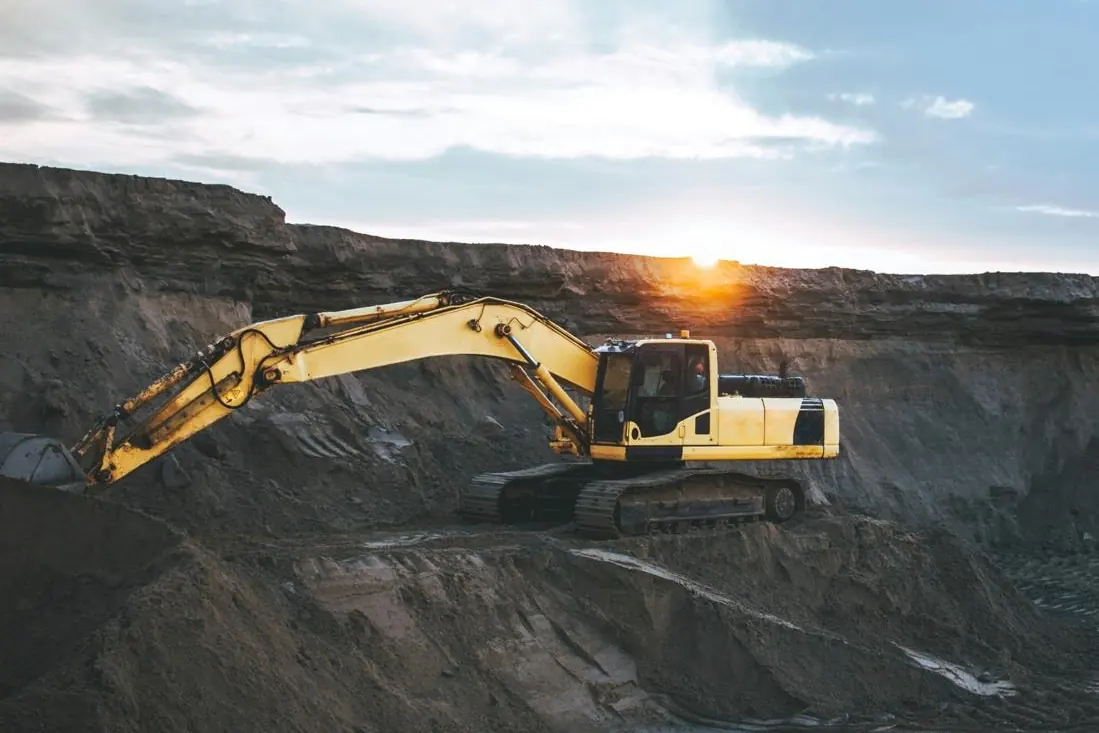
Telematics Guru puts each machine's working time against its idle time, so you can see which gear earns its keep and which just burns fuel.
Drivers sign in with a tag or card, by iButton, RFID or Bluetooth. Each trip then carries a name, for log books, driver reports and access control.

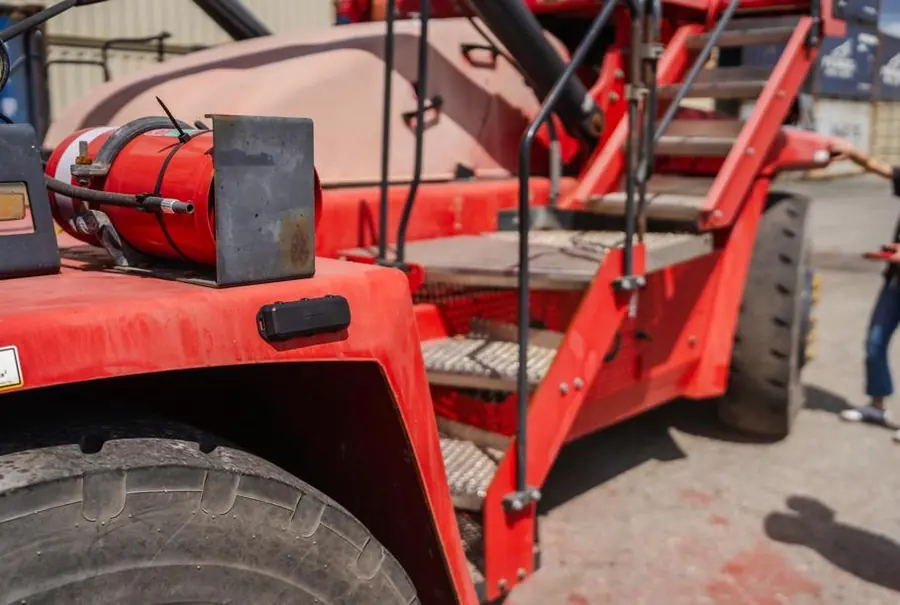
Set reminders by date, kilometres or engine run hours, and log faults like a broken mirror against the machine. The full service history stays with each asset.
Pre-start checks, on hire and off hire, incident reports and proof of delivery with photos. You set the questions, operators answer them, and it's saved against the machine.

Send every position, trip and alert into your own reports, data analytics or job system. The data is yours, and it can go to more than one place at once.
Request API accessAsk for access and we set it up with your team, ready for your developer or software provider.
{
  "unit": "TK 07",
  "time": "2026-11-07T06:58:12+08:00",
  "lat": -32.3557,
  "lng": 115.8102,
  "speedKmh": 98,
  "ignition": true,
  "event": "Trip start"
}Most fleets earn it back in one or two of these. On the demo we work out which ones matter for yours.
Change these to your own figures.
Idling costs you about$7,200a year in fuel
Back in your pocket$1,800
Still idling$5,400
Your numbers, not a promise. A wired tracker knows when the engine is on and the vehicle isn't moving. On the demo we look at what that means for your fleet.
| What the fuel ran | Litres a year | Rate | Credit |
|---|---|---|---|
| Heavy vehicles on public roadsOver 4.5 tonnes GVM | 21.3c a litre | $8,520 | |
| Off road, machinery and plantIncluding auxiliary equipment | 53.7c a litre | $8,055 | |
| Fuel tax credit, about | $16,575a year | ||
General information, not tax advice. Rates are for liquid fuels such as diesel bought from 3 August 2026; the ATO sets them by the date you bought the fuel and changes them each February and August. Eligibility rules apply, so check with the ATO and your accountant or BAS agent before you claim. ATO fuel tax credit rates
Tick the ones that hit your fleet and we'll build the demo around them.
Book a demoWe'll walk you through the map, the alerts and the reports with your own vehicles in mind.


